United wine tags
United Distributor users can send special Excel sheets to Tagify and get tags right back. Simply send an email with your spreadsheet attached to:
Tagify will use the subject line of your email as the project name. If your sheet looks good, you'll get an email back from Tagify with details about your finished project.
Every sheet you send in needs the first tab to be your data and then to have an additional tab called Settings somewhere. This Settings tab contains one cell that tells Tagify which tag material to use for your project:

Don't fret about all the spreadsheet rules: find a style you like and download a sample spreadsheet to get started.
The data in your sheet will determine which one of the 3 different tag styles Tagify will use to create your project. The 3 types of tag styles are:
- Wine Details
- Wine Details Priced
- Wine Details Icons
Wine Details
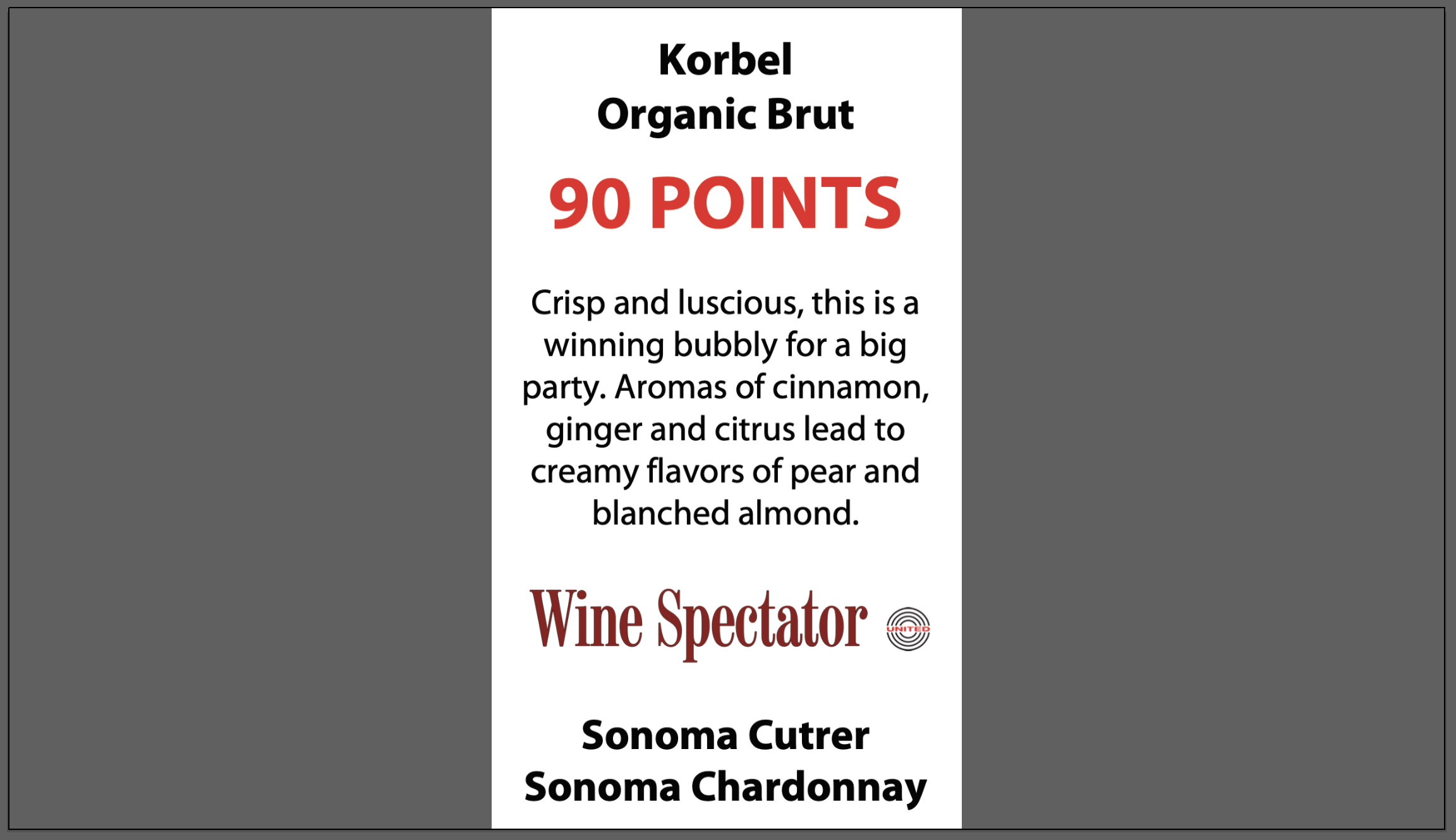
Checking out the sheet from the above link, you'll see that we have columns for specific types of data:
- # (quantity)
- Winery
- Varietal
- Vintage (optional)
- Rating
- Description
- Reviewer (Tagify will search your brands list to see if a reviewer logo is there to use, if not it will use your text like normal)
Wine Details Priced
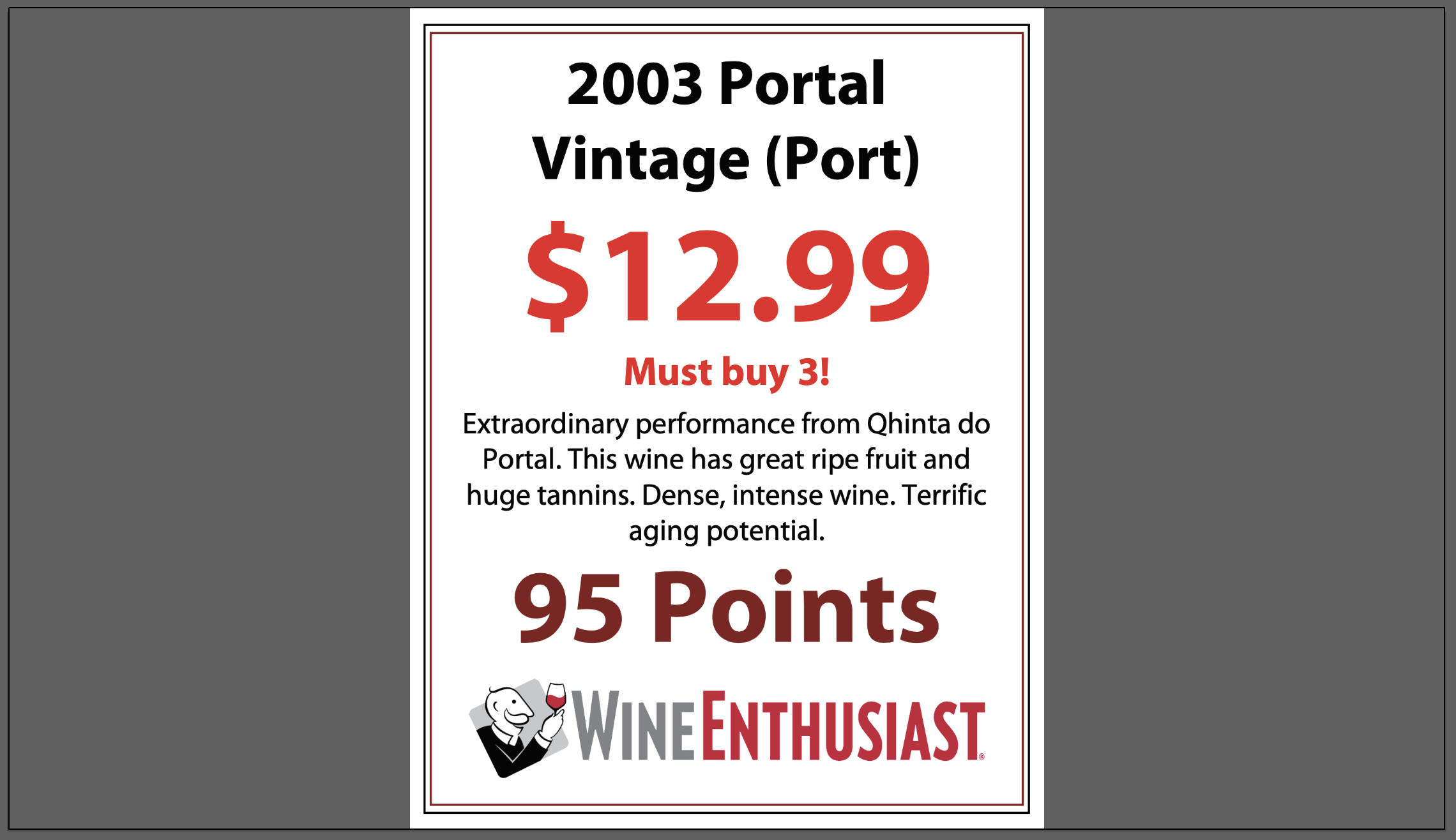
This style is almost identical to the normal Wine Details style but it includes a price point. As a review, here are the normal Wine Details columns:
- # (quantity)
- Winery
- Varietal
- Vintage (optional)
- Rating
- Description
- Reviewer (Tagify will search your brands list to see if a reviewer logo is there to use, if not it will use your text like normal)
But Wine Details Priced can also read these columns:
- Price (any variation of a price you can type in, example: 2.99, $24.99, 2/5, etc)
- Alt Text (This is extra text that goes under the price point. Typically something reinforcing the pricing like "Great Sale!", "Holiday Special", etc)
Wine Details Icons
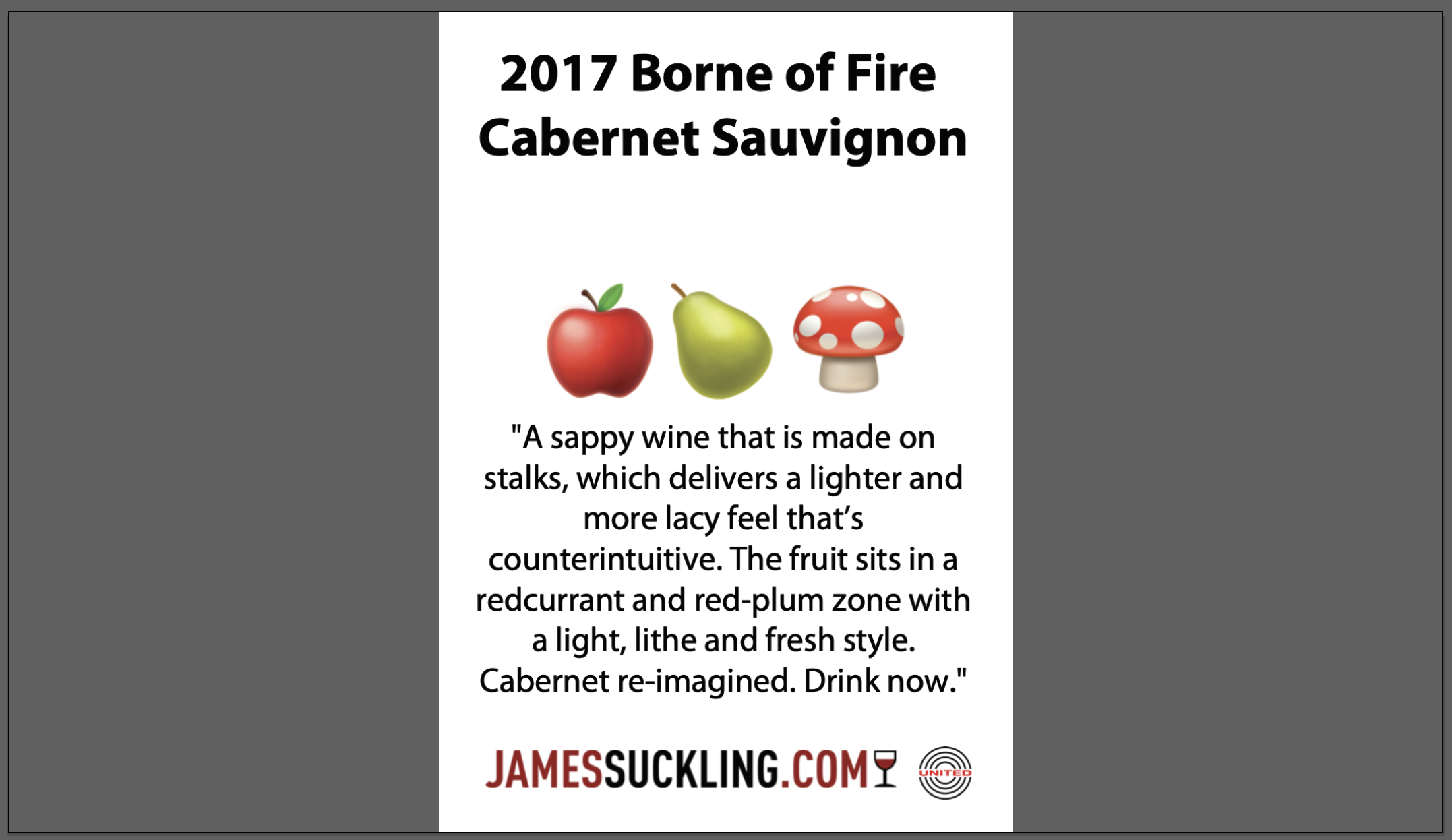
As you can see, this styles main focus is icons. Same deal as before, it uses columns from Wine Details:
- # (quantity)
- Winery
- Varietal
- Vintage (optional)
- Rating
- Description
- Reviewer (Tagify will search your brands list to see if a reviewer logo is there to use, if not it will use your text like normal)
But it also looks for these columns:
- Icon1
- Icon2
- Icon3
- Icon4
You'll use a number in each Icon column that tells Tagify which icon (or emoji) to use. You don't have to use all 4 and Tagify will automatically center the icons you do use.